
Category: Insights

  • Find Your Brand Voice in 30 Minutes

    Find Your Brand Voice in 30 Minutes

    Your brand voice is how your business sounds in every email, post, and page. When it’s undefined, each person on your team writes differently, and customers get a slightly different company every time. You don’t need a branding agency to fix that. You need 30 minutes and a blank document.

    Minutes 1–10: pick three words

    Write down how you want customers to feel after reading something from you. Then choose three adjectives that describe that voice, such as friendly, plain-spoken, confident or warm, expert, calm. Avoid words every company claims, like “professional” or “innovative.” They don’t guide anyone’s writing.

    Minutes 10–20: write the do’s and don’ts

    For each of your three words, write one thing it means you do and one thing it means you don’t. For example:

    • Plain-spoken: do use everyday words and short sentences; don’t use jargon or buzzwords.
    • Friendly: do write the way you’d talk to a customer at the counter; don’t sound like a legal notice.
    • Confident: do give a clear recommendation; don’t hedge every sentence with “maybe” and “possibly.”

    Minutes 20–30: rewrite three real lines

    Take three things you’ve actually sent recently, such as a website headline, a social post, and an email reply, and rewrite each one in your new voice. These become examples your team can copy. Put the three words, the do’s and don’ts, and the before-and-after lines on one page and share it with everyone who writes for the business.

    Keep it alive

    Revisit the page when something you publish feels off. Add new examples as you find lines that sound exactly right. Over a few months, that single page becomes the easiest style guide your team has ever used.

    Want a brand voice guide built for you? Book a free 20-minute call and we’ll tell you honestly what we’d change first.
  • Why Your Website Gets Visits but Not Inquiries

    Why Your Website Gets Visits but Not Inquiries

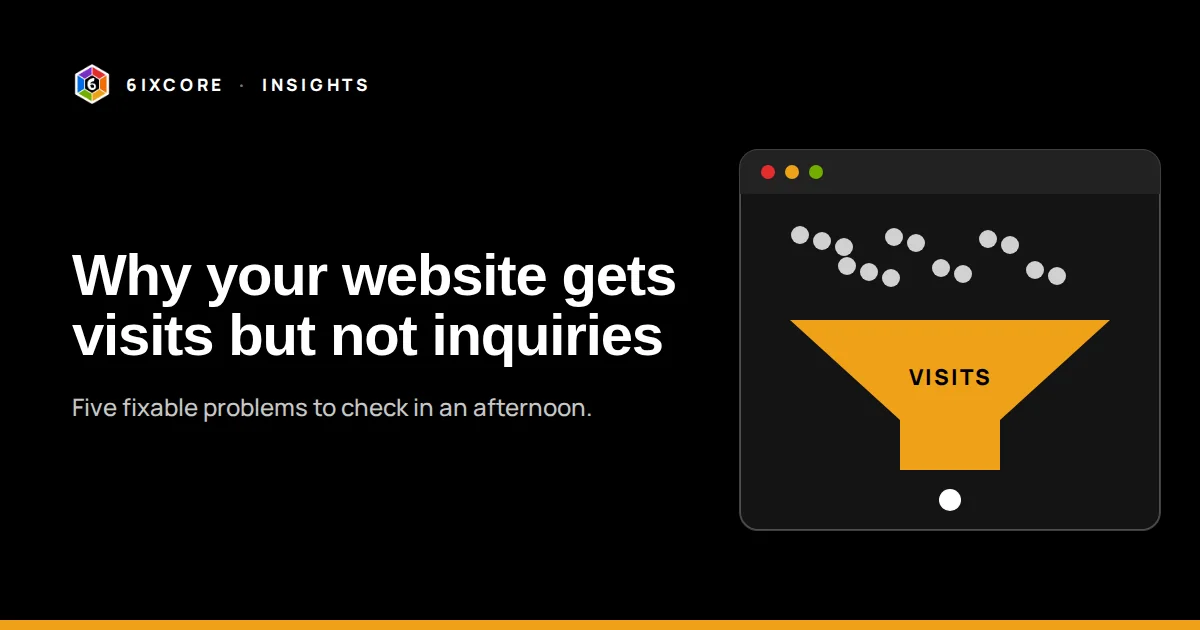
    Traffic is encouraging. Traffic that never turns into a phone call, form, or booking is frustrating. When a small business site gets visits but not inquiries, the cause is almost never “we need more traffic.” It’s usually one of five things, and you can check all of them in an afternoon.

    1. Visitors can’t tell what you do in five seconds

    Open your homepage and read only the headline and the first sentence. Would a stranger know what you sell, who it’s for, and where you work? “Innovative solutions for tomorrow” fails. “Bookkeeping for Elkhart County contractors” passes. Say the plain thing first.

    2. There’s no obvious next step

    Every page should end with one clear action: book a call, request a quote, or call now. If the only path is a small “Contact” link in the menu, most visitors won’t look for it. Put the button where people finish reading.

    3. The next step asks for too much

    A contact form with twelve fields feels like homework. Ask for a name, an email, and one sentence about what they need. You can learn the rest on the call. A booking link that lets people pick a time themselves removes even more friction.

    4. Nothing proves you’re real

    People look for signs that you’ve done this before: a short case study, a real client quote, a photo of the team, a local address or service area. If your site has none of these, visitors hesitate. Even one honest example of past work helps.

    5. The site is slow or broken on phones

    Most small business visits now happen on a phone. Open your site on yours with Wi-Fi turned off. If it takes more than a few seconds, text is tiny, or buttons are hard to tap, you’re losing people before they read a word. Google’s free PageSpeed test will show the biggest problems.

    A quick self-check

    • Headline says what you do, for whom, and where
    • One clear call to action on every page
    • Contact form has three to five fields, or a booking link
    • At least one piece of proof: a case study, quote, or example
    • Loads fast and reads easily on a phone

    Want a second set of eyes on your site? Book a free 20-minute call and we’ll tell you honestly what we’d change first.
  • The One-Page Marketing Plan for Small Teams

    The One-Page Marketing Plan for Small Teams

    Most small businesses don’t fail at marketing because they lack a plan. They fail because the plan is too big to use. A 40-page document gets written once and never opened again. A single page you can tape to the wall gets used every week.

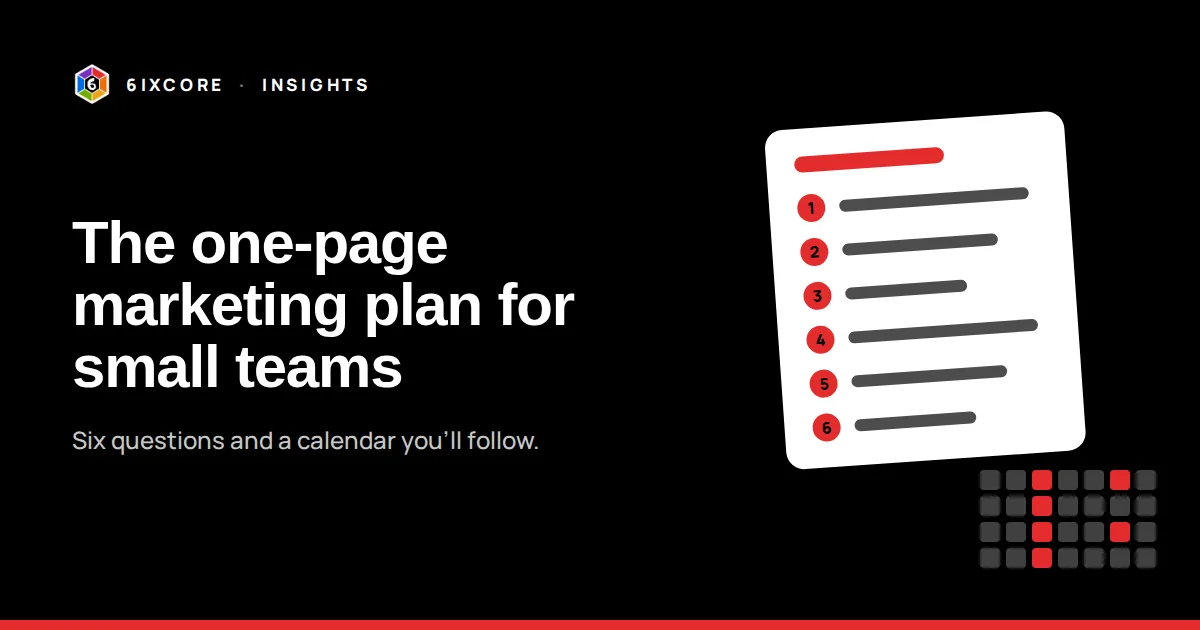
    Here are the six questions that belong on that page.

    1. Who exactly are we trying to reach? Describe one ideal customer in two sentences: who they are, what they’re struggling with, and what they’d search for.
    2. What do we want them to do? Pick one primary action, such as booking a call, requesting a quote, visiting the store, or donating. Everything else supports it.
    3. What’s our one message? The single sentence you want them to remember. If you can’t say it in one sentence, customers won’t repeat it.
    4. Where do they already pay attention? Choose two channels at most. For many local businesses that’s Google search plus one social platform or an email newsletter.
    5. What will we publish, and how often? A realistic rhythm beats an ambitious one. One post a week you actually publish is better than daily posts you abandon in March.
    6. How will we know it’s working? One or two numbers you check monthly: inquiries, bookings, email signups, or donations. Not likes.

    Turn the page into a calendar

    Once the six answers are written, block a recurring hour each week to create and schedule content, and fifteen minutes each month to look at your one or two numbers. If a channel isn’t moving the number after three months, swap it for another.

    Keep it honest

    The plan should be short enough that your whole team knows it and specific enough that you can tell when it isn’t working. Revisit it every quarter. Cross things out. That’s the point of having it on one page.

    Want help filling in your one page? Book a free 20-minute call and we’ll tell you honestly what we’d change first.
  • What a $600K Nonprofit Fundraising System Looked Like

    What a $600K Nonprofit Fundraising System Looked Like

    Nonprofits often assume fundraising growth needs a big development team or an expensive agency. For Mishawaka Troop Town, it came from something simpler: a handful of connected pieces, run consistently for three years.

    The results

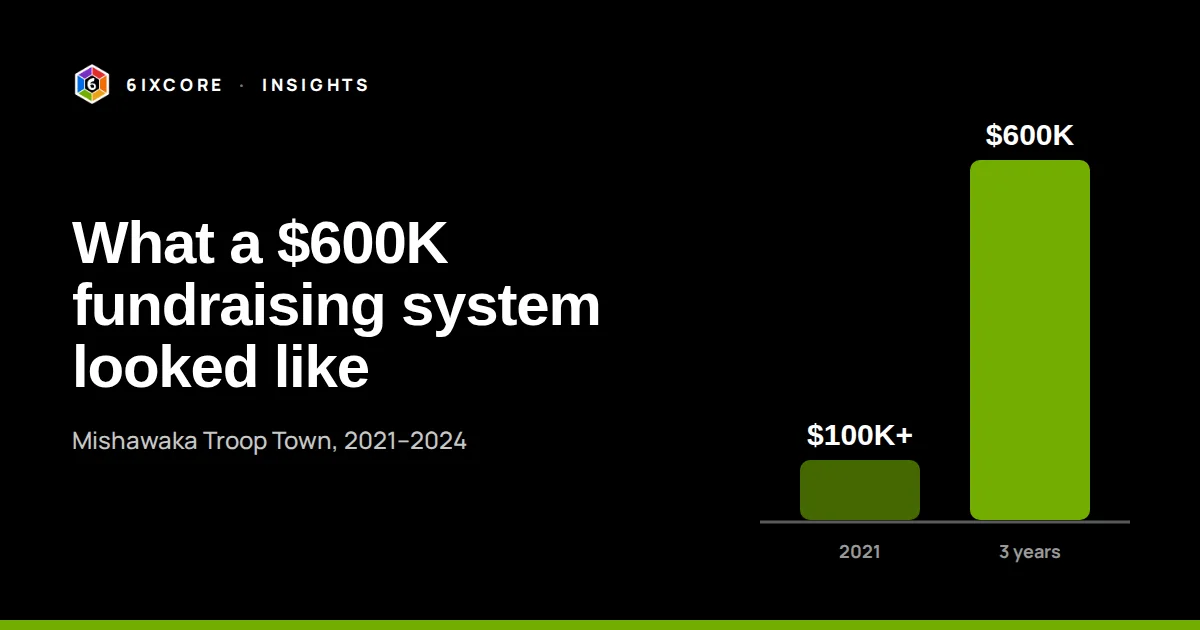
    • More than $100,000 raised in 2021 alone
    • About $600,000 raised over three years through the system
    • Nonprofit technology programs secured from Slack, Box, and Twilio

    What the system included

    • A consistent brand. Branding guidelines so the website, emails, flyers, and event materials all looked like the same organization.
    • A website that could take action. Updated content plus e-commerce and donation features, so supporters could give or buy without leaving the site.
    • Regular supporter emails. Newsletters planned and delivered on a schedule, keeping families, volunteers, and donors connected between events.
    • Solid tools behind the scenes. Google Workspace managed for the board of directors, and applications to nonprofit programs that brought in professional software at no or low cost.

    For the full timeline and what we built, see the Mishawaka Troop Town case study.

    What made it work

    None of these pieces is unusual on its own. What mattered was that they were connected and kept running. The brand made every touchpoint recognizable. The newsletter kept supporters warm. The website made it easy to act the moment someone was ready. And the free and discounted nonprofit tools kept costs low enough that the system could run year after year.

    Lessons for other nonprofits

    1. Make giving possible on your own site, in as few clicks as possible.
    2. Email supporters on a predictable schedule, not only when you need money.
    3. Apply for nonprofit software programs. Many major tools offer them.
    4. Write down your brand rules once, so volunteers and staff stay consistent.
    5. Give the system time. Most of the result came from doing the basics for three years, not from one campaign.

    Running a nonprofit and wondering where to start? Book a free 20-minute call and we’ll tell you honestly what we’d change first.
  • 5 Tasks Small Businesses Can Hand to AI This Month (and 3 They Shouldn’t)

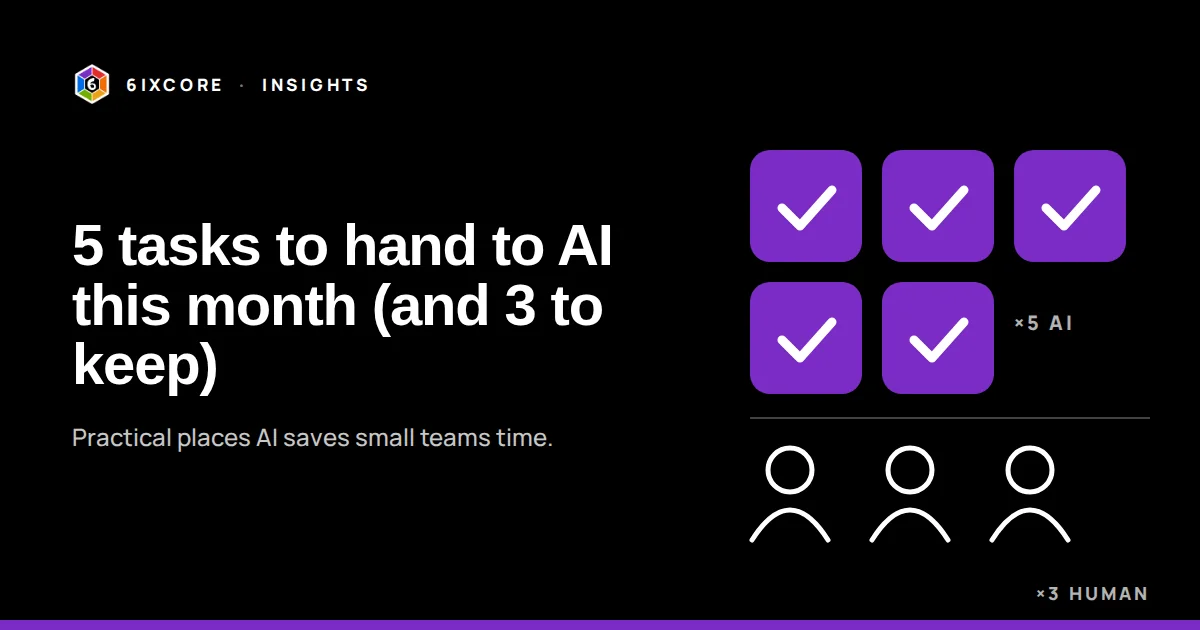
    5 Tasks Small Businesses Can Hand to AI This Month (and 3 They Shouldn’t)

    Most small businesses don’t need an AI strategy. They need one boring, repetitive task taken off someone’s plate. Here are five places AI earns its keep for small teams right now, three places it doesn’t yet, and a simple way to start without buying another tool nobody uses.

    Five tasks worth handing to AI this month

    • First drafts of replies to common questions. If your team answers the same ten questions by email every week, an assistant trained on your own answers can draft replies in seconds. A person still reviews and sends.
    • Meeting notes and follow-ups. Record the call (with permission), let AI produce the summary and action items, and have the owner of the meeting check it before it goes out.
    • Scheduling. Booking tools with AI-assisted routing cut the back-and-forth of “does Tuesday work?” to zero.
    • Finding things in your own documents. A private assistant that searches your policies, pricing sheets, and how-tos saves the “where’s that file?” hunt. This is the idea behind what we call Company Jarvis.
    • Turning one piece of content into five. A single blog post can become a newsletter, three social posts, and a short script. AI does the reshaping; you do the final edit.

    Three things to keep human for now

    • Anything sent to a customer without review. Start with a person checking every customer-facing message. Loosen that only after weeks of good results.
    • Decisions that depend on judgment or relationships. Pricing exceptions, sensitive complaints, and hiring calls need context AI doesn’t have.
    • Confidential information. Decide in writing what must never go into an AI tool, and check each tool’s privacy terms before you use it.

    How to start without wasting money

    Pick one task that is repetitive, low-risk, and owned by one person. Time it for a week before changing anything. Then run AI on it for 30 days with a human check, note every correction, and compare against your baseline. Keep it, adjust it, or drop it based on what the numbers say.

    The pattern we see most often: the tool isn’t the bottleneck, the process is. If nobody has written down how the task gets done, AI can’t do it well either. Fix that first and the AI part gets much easier.

    Not sure where you stand?

    Take our free AI Readiness Quiz. It’s 17 yes-or-no questions and takes about three minutes. You’ll get a score and the gaps worth closing first. If you’d like a second opinion, book a free 20-minute call.

  • Introducing the new 6ixcore.com

    Introducing the new 6ixcore.com

    6ixcore.com has a new home. The site now brings all six of our specialist agencies together in one place, with a page for each: what it does, who it’s for, and how an engagement runs.

    What’s new

    What to expect here

    Insights is where we’ll share practical lessons on strategy, operations, marketing, and AI: the things we learn from doing the work, including what didn’t go to plan. Subscribe below to get new posts by email.

    Have a project in mind? Start a conversation.

Book a free call